
Aliens Fireteam Elite 2 Best Laptops Guide
Choose among the best laptops for Aliens Fireteam Elite 2 using current storefront requirements and test rules; performance and thermals remain unverified.
The best laptops for Aliens Fireteam Elite 2 should be chosen around the current storefront requirements, cooling capacity, and the target resolution—not a brand name alone. The collected Epic listing shows Windows 10/11, 16GB RAM, Ryzen 5 5600G or i5-12600 processors, RX 6600 8GB or GTX 3060 8GB graphics, DirectX 12, and 30GB storage. Epic repeats the minimum and recommended fields in the collected page, so the exact tier interpretation and real laptop performance are unverified.
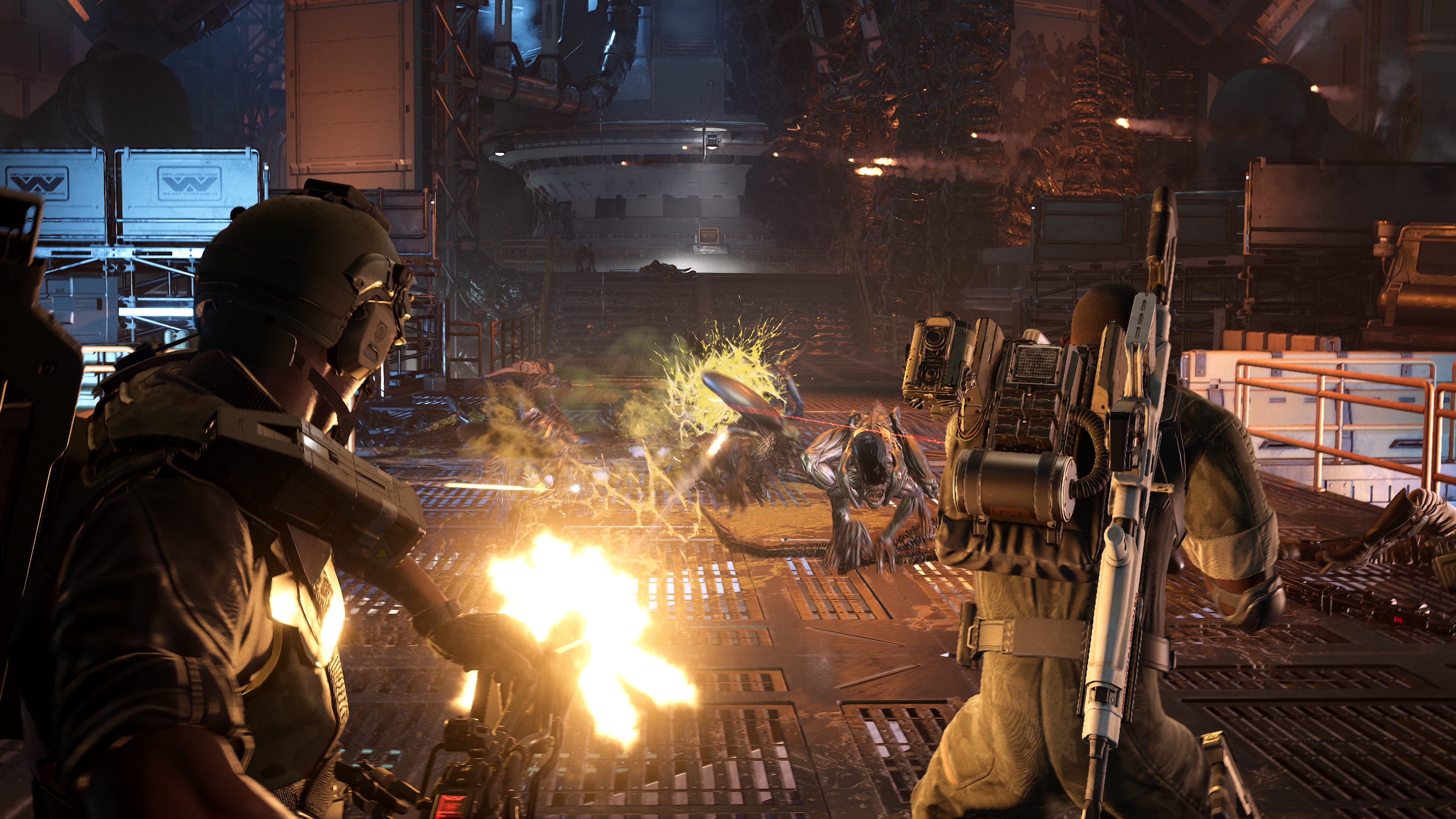
Current requirements evidence
Use the Epic values as a source-specific starting point, not a universal benchmark. The page lists 16GB memory, the named AMD and Intel CPU examples, the RX 6600 8GB or GTX 3060 8GB GPU examples, DX12, and 30GB storage. Because the collected listing duplicates fields between tiers, do not label those components as definitively “minimum” or “recommended” without rechecking the live product page.
Steam’s collected page confirms the PC release and online co-op but should not be mixed with stale hardware values from an older project page. A laptop guide must state which storefront requirement it uses and when it was checked. Conflicting or missing specifications remain unverified.
Laptop parts that matter most
The GPU is the first part to compare for resolution, effects, shadows, and upscaling headroom. The CPU matters for large co-op scenes and enemy waves, while 16GB memory is the collected listing’s current memory reference. SSD capacity and free space also matter because the stated game size is 30GB before updates or other games.
Do not compare a mobile GPU name directly with a desktop card without checking its power limit and cooling. Two laptops with the same GPU label can sustain different clocks under a long mission. Exact FPS, fan noise, temperature, and battery results are unverified until measured on the target model.
A safe buying target
Start with a laptop that meets or exceeds the collected CPU, GPU, memory, DX12, and storage entries, then reserve thermal headroom for sustained combat. Prefer a model with clear airflow, upgradeable storage or memory where possible, and a power adapter intended for gaming load. This is a selection principle, not a claim that one untested model is the best.
If the target is 1080p at a capped 60 FPS, use the recommended settings page as a test baseline. Higher resolution, high refresh rate, or aggressive effects require additional headroom. Do not promise a fixed FPS number without a repeatable benchmark on the exact laptop.
Settings for a laptop test
Destructoid’s collected PC recommendation uses Custom quality, medium textures, low shadows, effects, and foliage, 4x anti-aliasing, medium view distance and post-processing, ambient occlusion off, screen-space reflections on, chromatic aberration and motion blur off, FSR Performance or Balanced, and a 60 or 90 FPS cap. This can reduce load, but it was not a laptop-specific certification. Test while plugged in and record the laptop’s power profile.
Run a quiet scene and a crowded combat scene, then repeat after the laptop reaches sustained temperature. Record average FPS, frame-time lows, temperature, fan behavior, and whether performance drops after several minutes. Any exact model recommendation should include those conditions or remain unverified.
Laptop co-op and portability
The game supports up to four-player cross-platform co-op, but online play adds network and voice-chat variables to a hardware test. Daybreak’s launch notes fixed a cross-platform voice issue and added region matchmaking, so a connection problem should not automatically be blamed on the laptop. Separate rendering performance from network behavior in the report.
Battery life is not a reliable primary target for a demanding co-op game unless it is measured in a declared mode. The collected source pack does not include battery or unplugged performance tests. Those values are unverified.
Current buying answer
Choose a laptop meeting the collected Epic CPU, GPU, memory, DX12, and storage references, then prioritize cooling and power delivery. There is no sourced model-by-model ranking yet, and the duplicated storefront requirement tiers need verification. Until direct tests exist, “best laptop” recommendations remain unverified.
The requirement evidence comes from the Epic Games Store listing, release context from Steam, and settings context from Destructoid. The Epic page’s duplicated requirement fields and all model-specific performance claims remain unverified.
Related Articles
start-here
Aliens Fireteam Elite 2 System Requirements and Platforms
Aliens Fireteam Elite 2 system requirements, PC specs, PS5 and Xbox support, crossplay, Game Pass requirements, and Switch 2 release date guide.
start-here
Aliens Fireteam Elite 2 Recommended Settings
Apply these Aliens Fireteam Elite 2 recommended settings as a sourced PC starting point for clarity and frame pacing; hardware results remain unverified.
start-here
Aliens Fireteam Elite 2 Steam Deck Guide
Check the current Aliens Fireteam Elite 2 Steam Deck evidence, including SteamDB flags and compatibility clues; performance remains unverified.
Was this helpful?
Thanks for the feedback!